步驟 1
Describe your laptop sticker
Provide the details for the first laptop sticker.
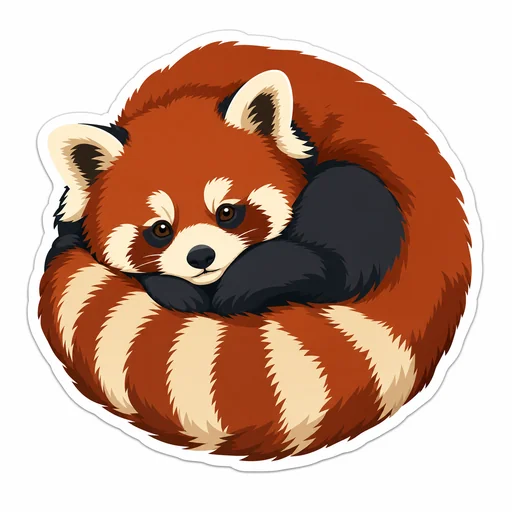




Design polished die-cut laptop stickers with bold shapes, clear silhouettes, and printable color that stand out on any laptop.
Describe the sticker subject, size, and intended laptop placement and material.
Describe silhouette, outline thickness, color palette, negative space, and printable color limits.
Review the result for clear shapes, readable edges, and sticker-friendly contrast.
Sticker design toolkit
Convert your idea into a printable sticker asset with strong silhouettes, simplified details, and color choices optimized for small-scale printing.
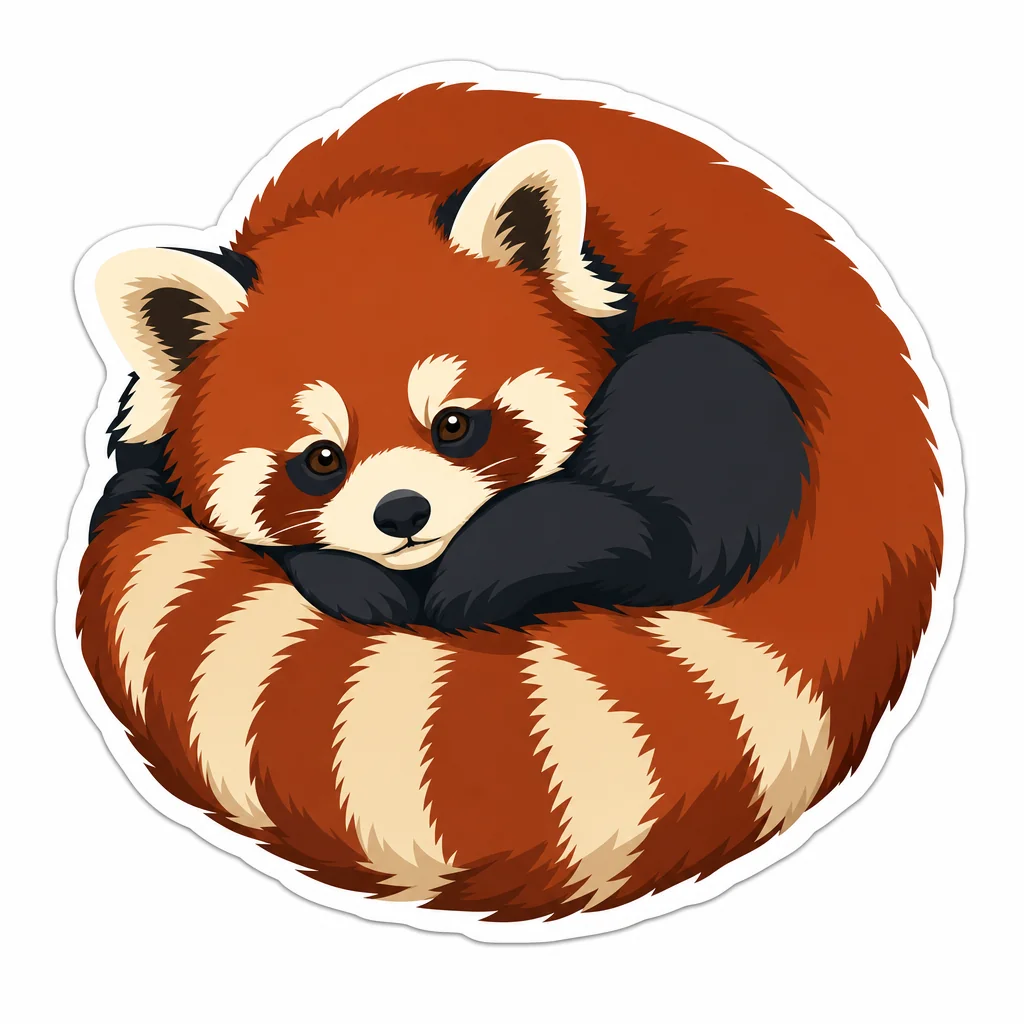

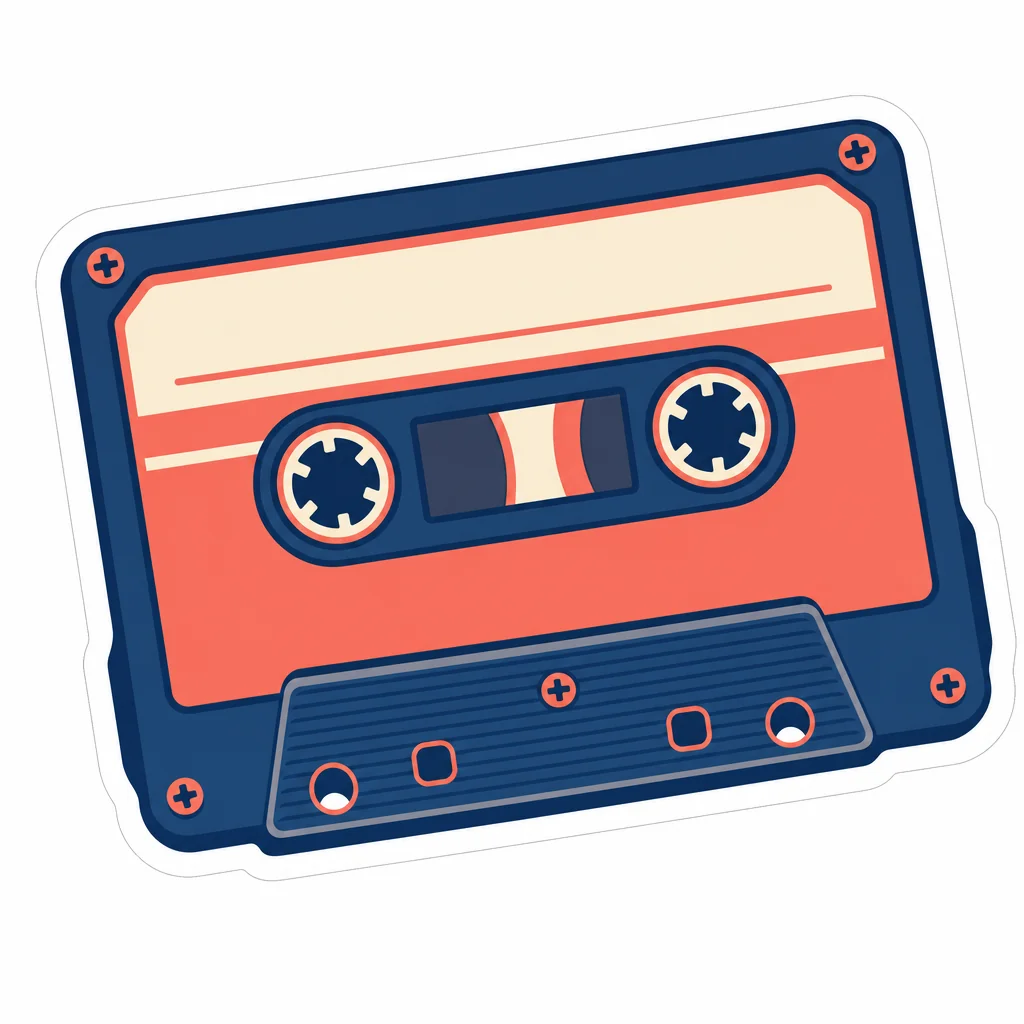
Create a first laptop sticker, refine that same image, and review the final result.
步驟 1
Provide the details for the first laptop sticker.
步驟 2
Use the actual first result with this follow-up.

步驟 3
Check the red panda, continuous white border, joined silhouette and transparent exterior against your request.