步驟 1
Describe your user-flow diagram
Provide the details for the first image.
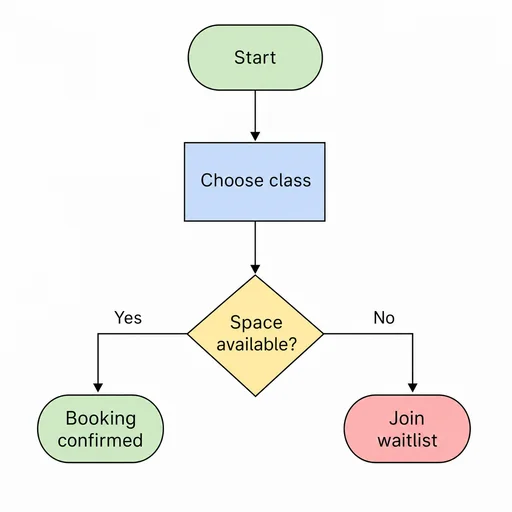
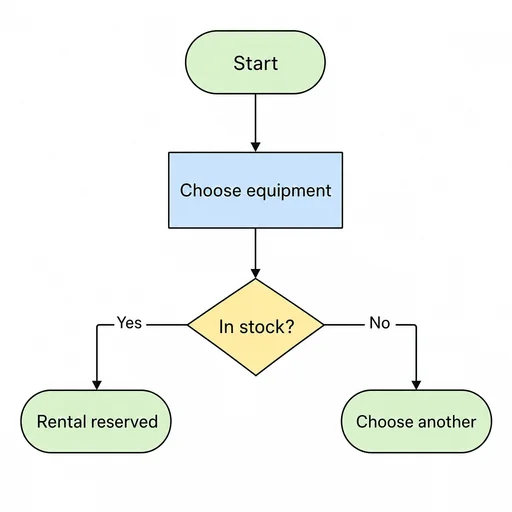
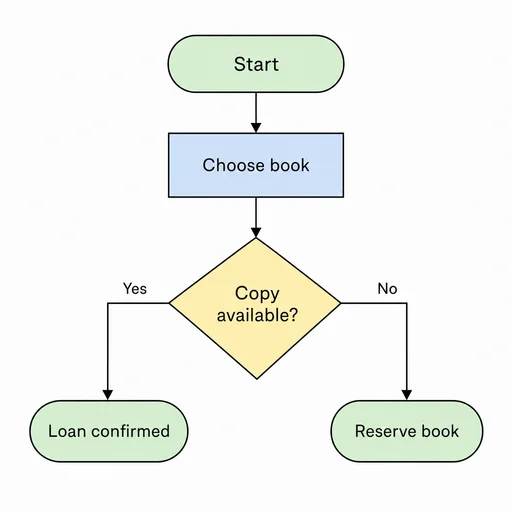
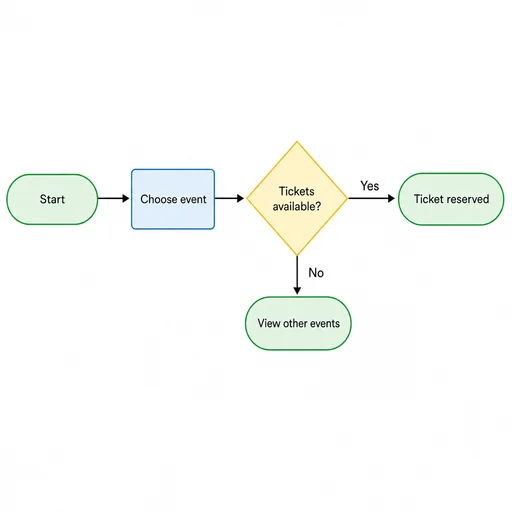
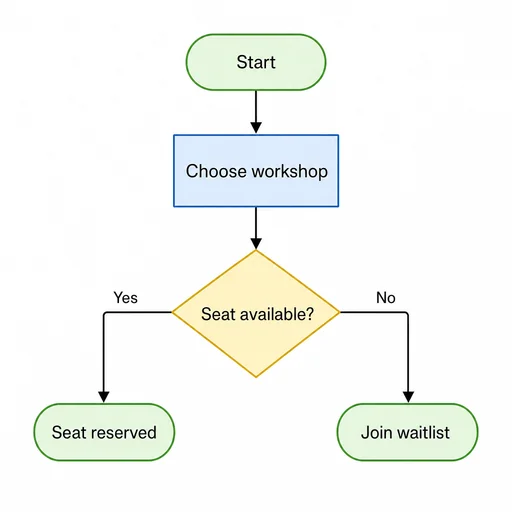
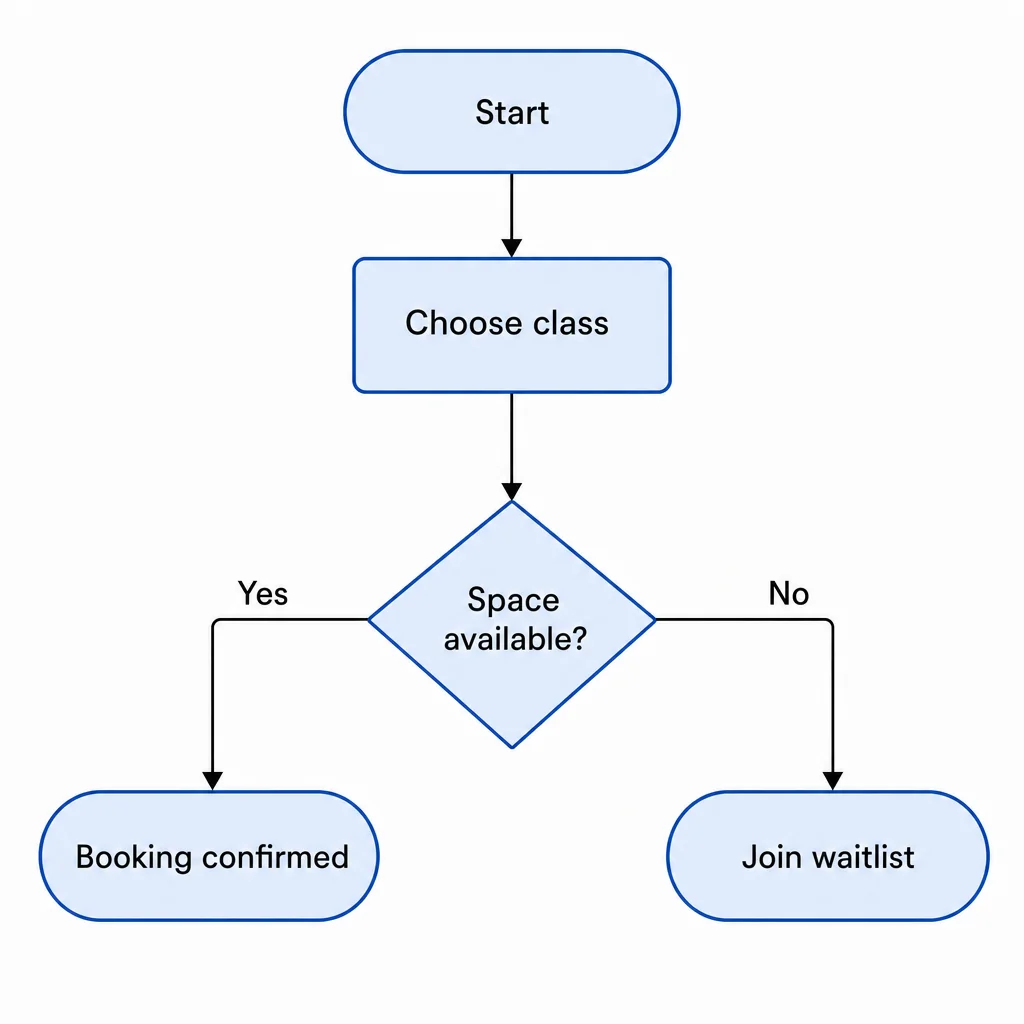
Turn your product idea into a clear user flow diagram with connected steps, decisions, and readable labels.
Describe your product goal, key steps, users, and the path you want the diagram to show.
Ask for clear decisions, connectors, start and end states, and readable labels as you refine the journey.
Review whether each step connects logically, then request changes where branches or labels feel unclear.
Map the experience
Turn a rough product idea into a visual path that shows how people move from entry point to completion.
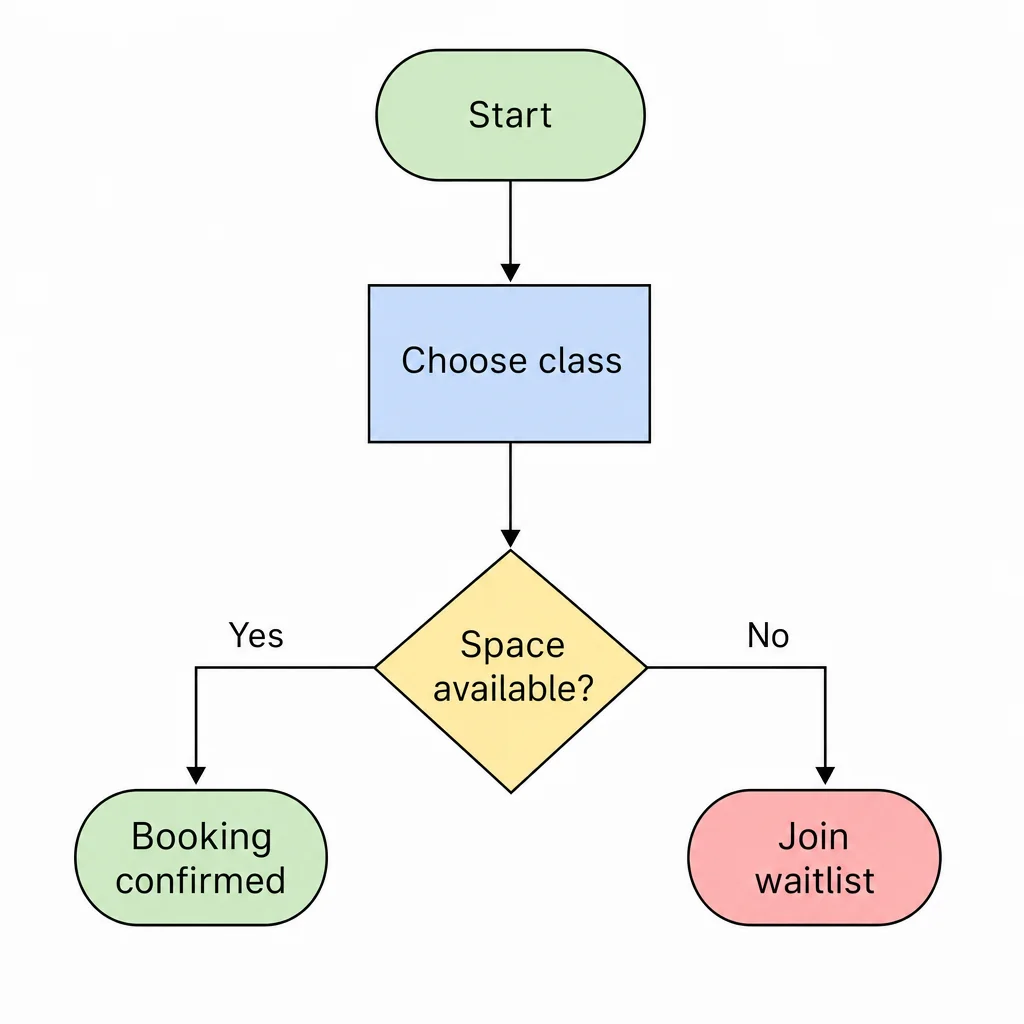
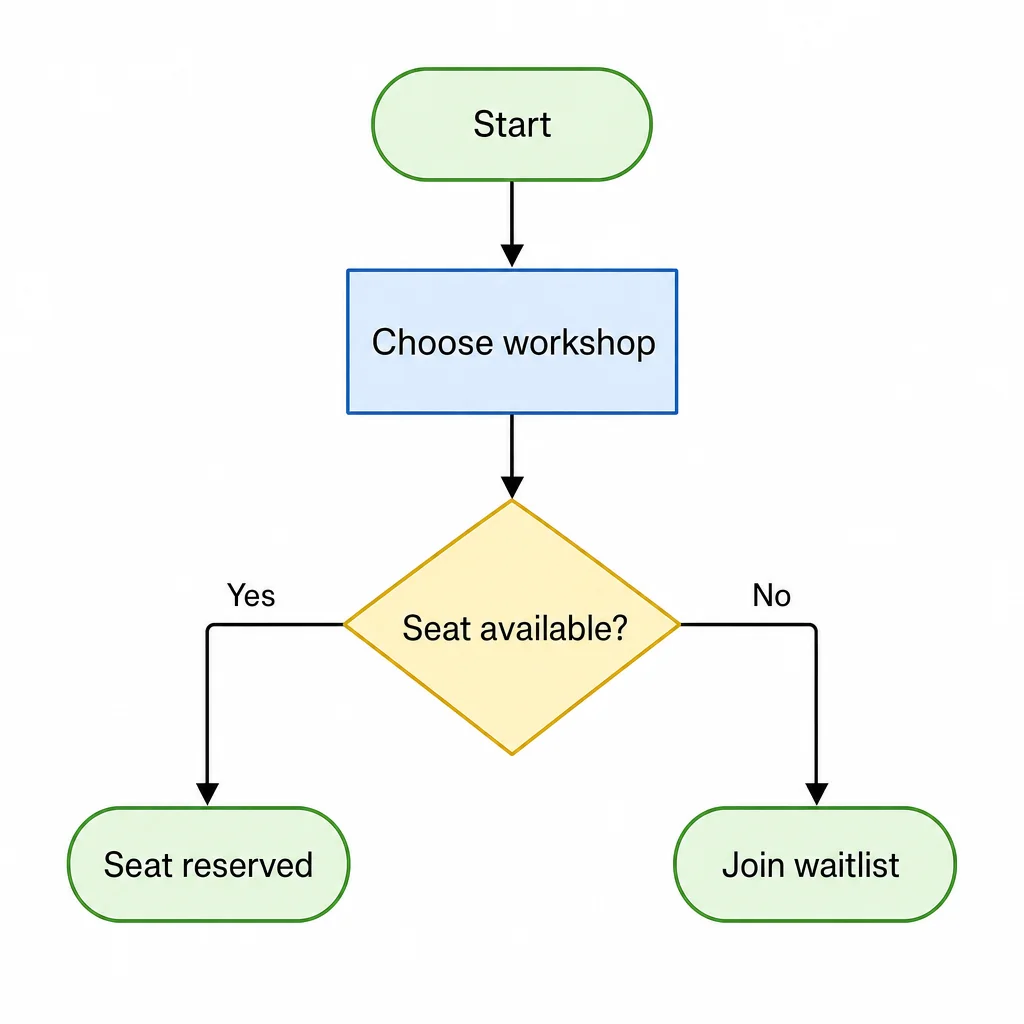
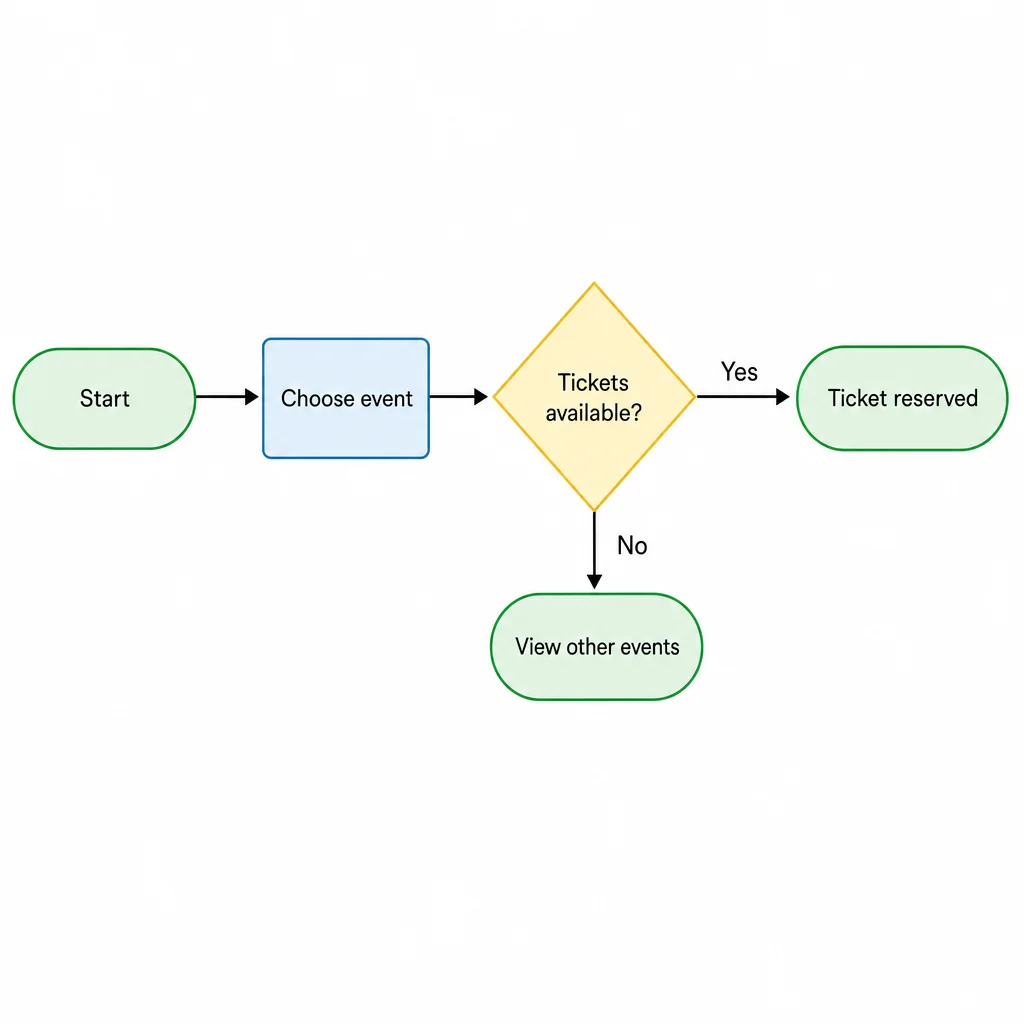
Create a first user-flow diagram, refine that same image, and review the final result.
步驟 1
Provide the details for the first image.
步驟 2
Use the actual first result with this follow-up.
步驟 3
Compare the final image with your request.