步驟 1
Upload two photos
Attach both photos you want to bring together in one collage.
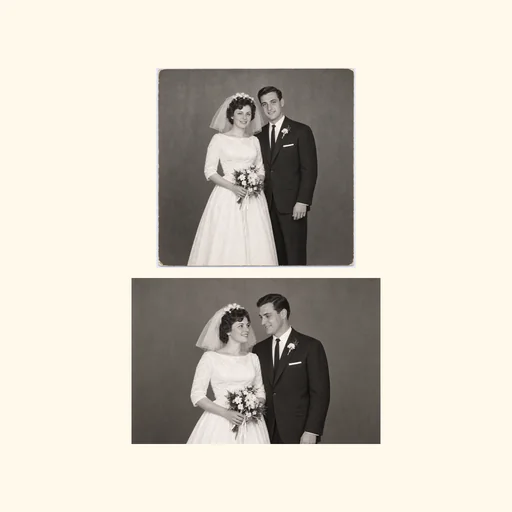
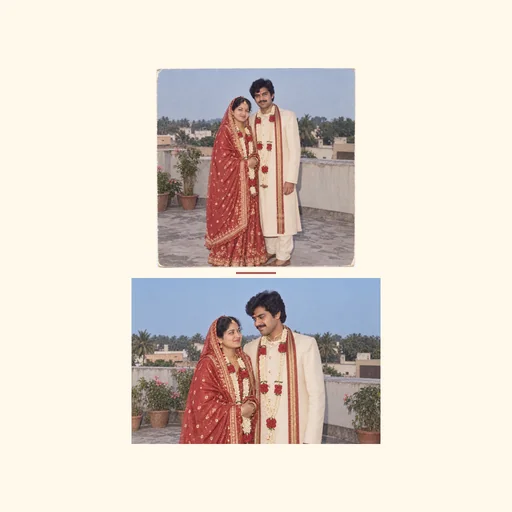
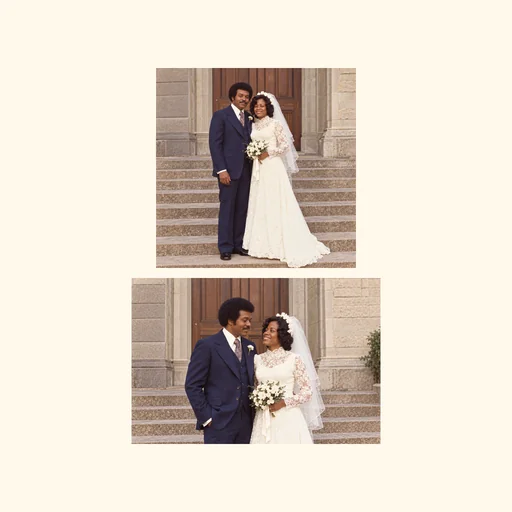
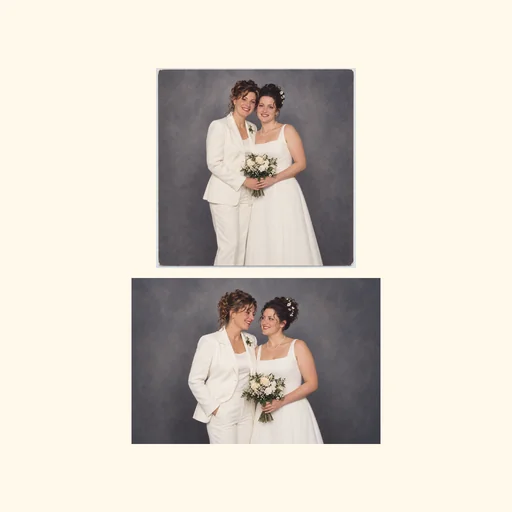
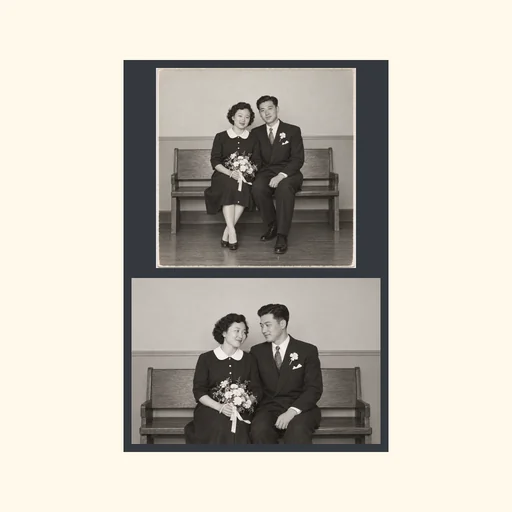
Turn your wedding photos into a cohesive collage with balanced layout, consistent color treatment, and preserved facial details.
Upload the wedding photos you want included, keeping original high-resolution images as reference.
Describe which photos to prioritize, preferred layout, color treatment, and which crops to avoid.
Review the draft to request preserved faces, readable text, and balanced composition.
Wedding collages
See three complete two-photo collage designs, each made from its own supplied photo pair.
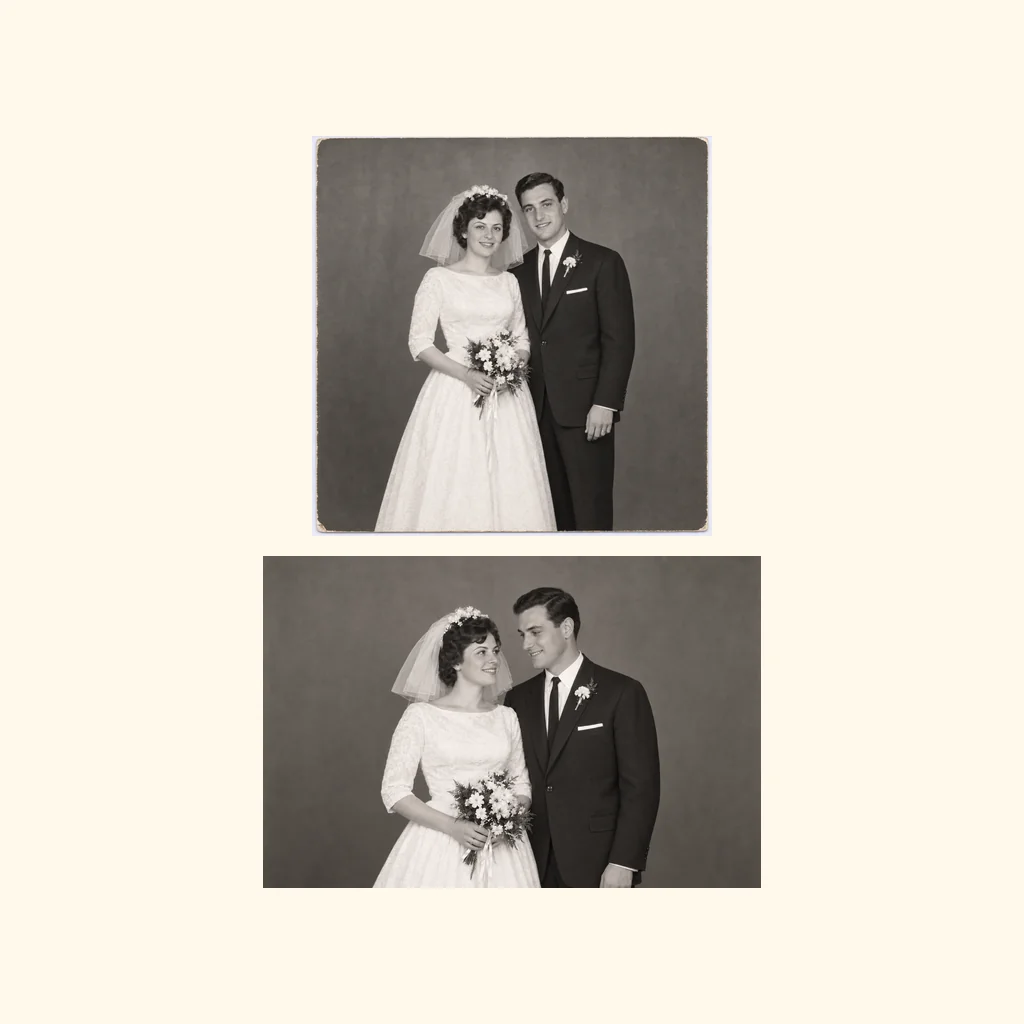
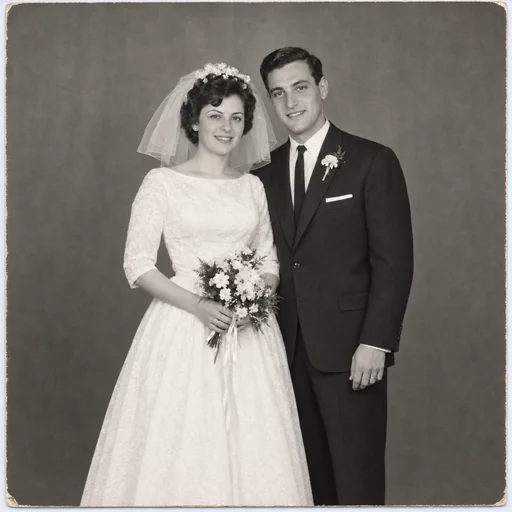
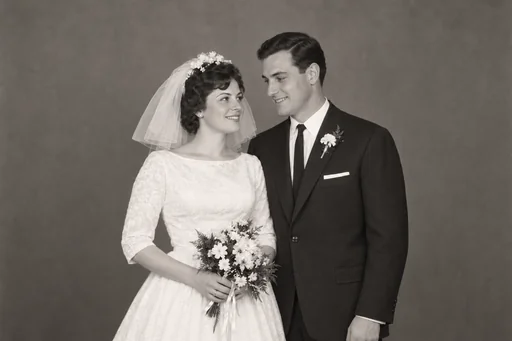
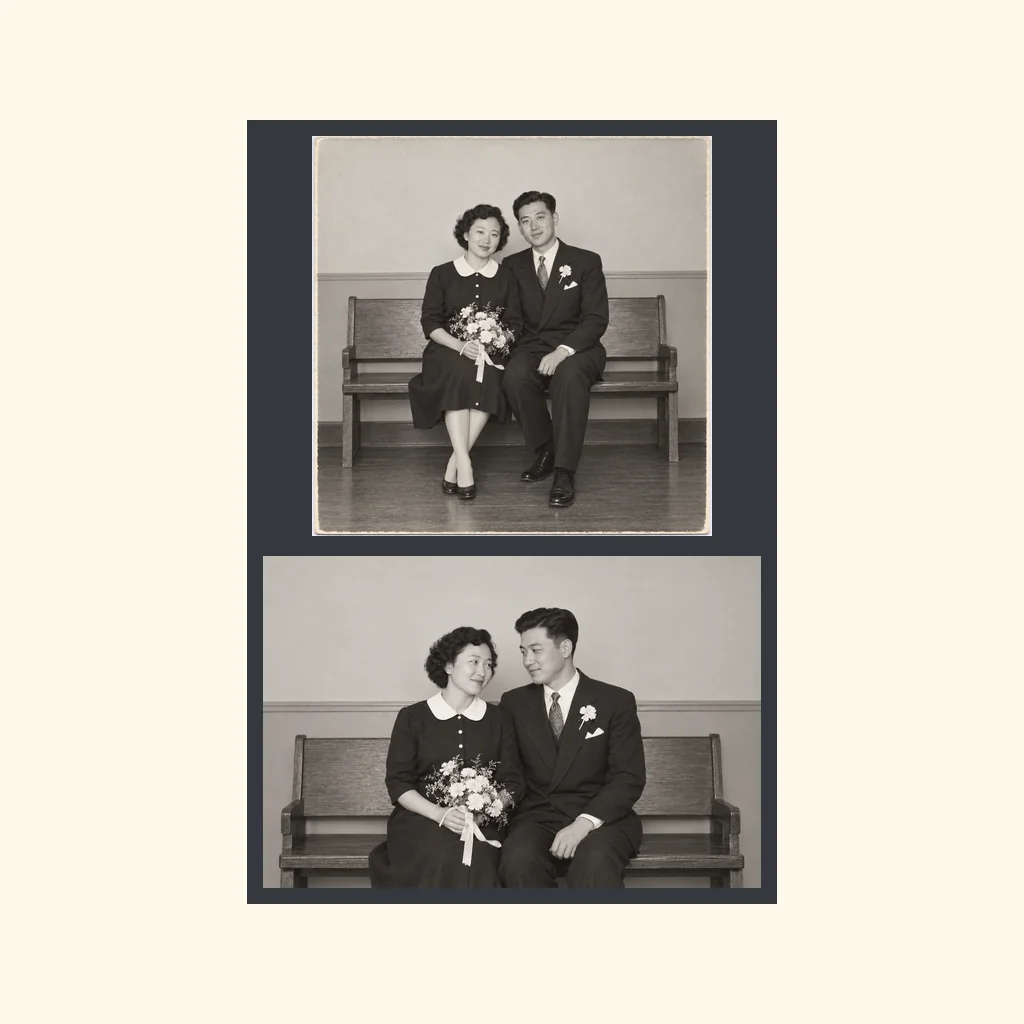
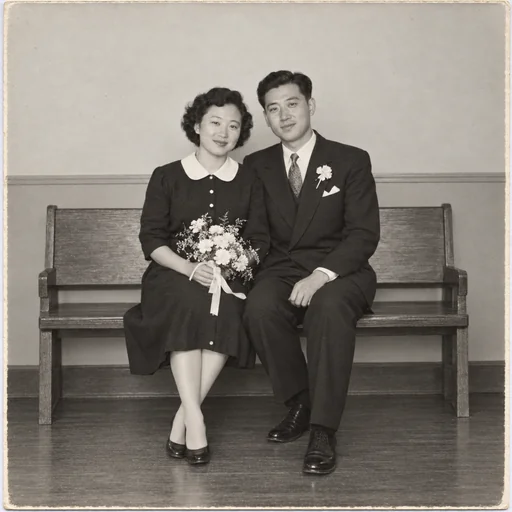
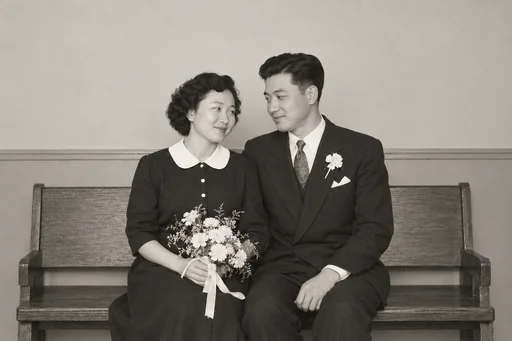
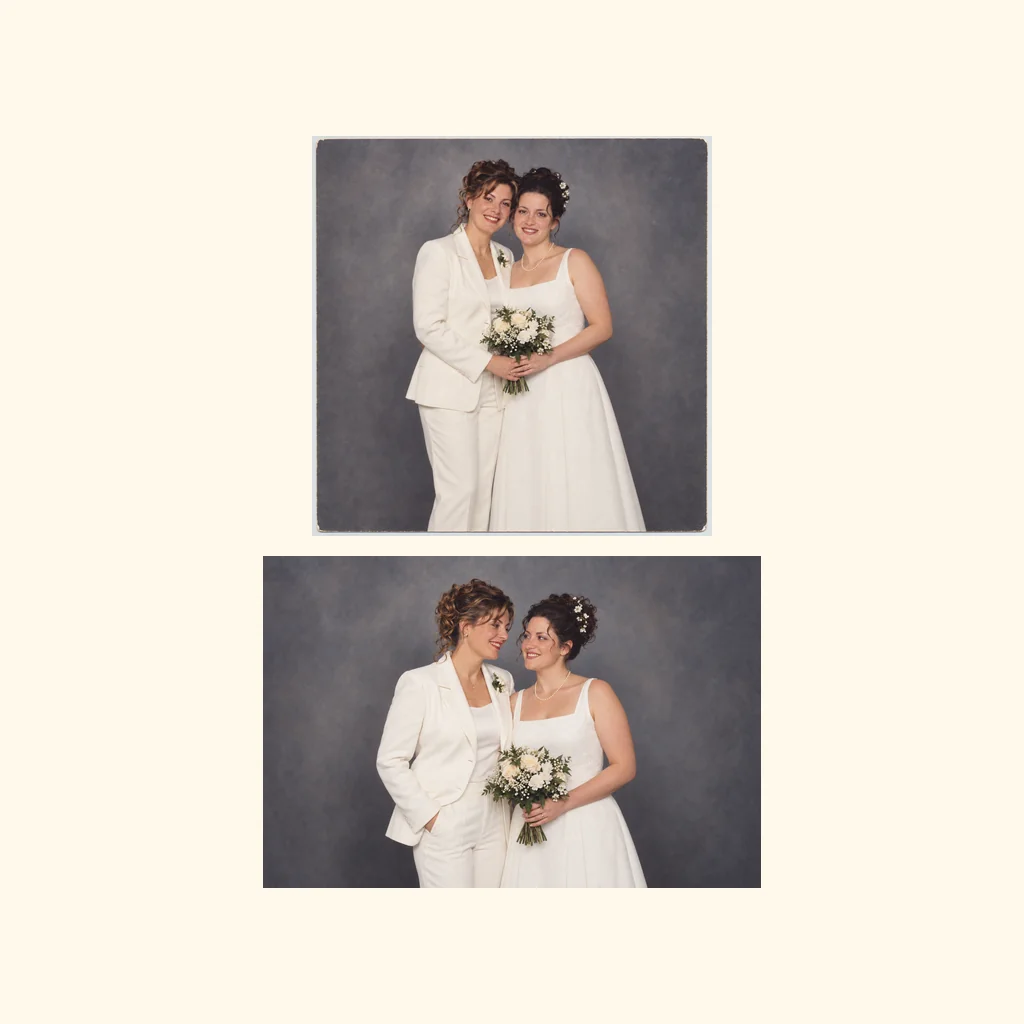
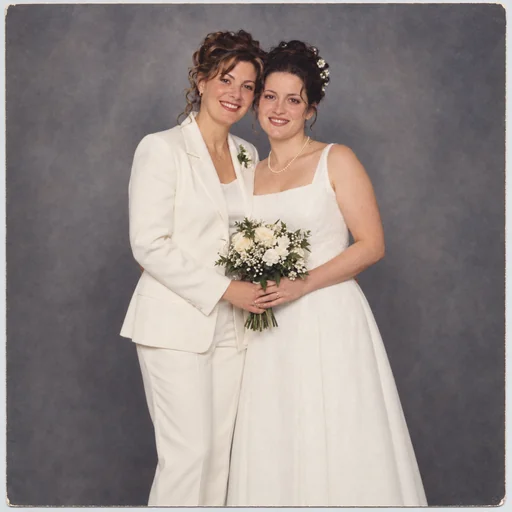
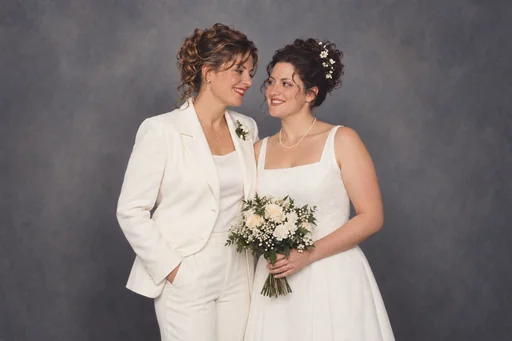
Attach two photos, request one stacked collage using that same pair, then review both complete photo panels.
步驟 1
Attach both photos you want to bring together in one collage.
步驟 2
Use that same pair and enter one request for their stacked layout and visual treatment.
步驟 3
Check that both complete photos, important subjects and the stacked layout remain clear.